
Best Thread Border Routers for Home Assistant (2026)
The Thread border routers that work well with Home Assistant: best overall, best in the Apple and Google camps, and best multiprotocol. An independent, research-and-consensus roundup with a comparison table.
By HomeOS Lab · Last updated 3 September 2026
Some links on this page may be affiliate links. If you buy through them we may earn a small commission at no extra cost to you, and it never changes which products we recommend. See our affiliate disclosure.
Buying Matter devices in 2026 means running into the word Thread sooner or later, and then the question that stops a lot of Home Assistant users cold: do I need a Thread border router, and which one? Any Thread device, unlike a Wi-Fi Matter device, needs a border router to bridge its low-power mesh onto your normal network. Get that piece right and Thread devices commission quickly and stay responsive. Get it wrong, or place the router in a bad spot, and you meet the "no Thread networks found" message and pairings that keep dropping.
This guide covers the border routers we recommend for Home Assistant.
That includes the one HA can manage itself, the ones you may already own in the Apple or Google camp, and the multiprotocol bridges that add Thread and Zigbee in a single box.
How we chose: these picks come down to what determines a good Thread experience on Home Assistant. Which border routers HA can see and use, how well each one fits the Apple, Google, or multiprotocol path you are already on, how the radio and mesh behave, and the documented track record. We weighed those against reports across the Home Assistant community and the relevant project docs. We are independent and reader-supported. Nothing here is paid placement, and we do not publish invented star ratings. Where we have not put a specific unit through long-term first-hand testing, we say so and rank on the evidence above rather than pretend otherwise.
First: do you even need to buy one?
A few things worth knowing before you spend anything.
- Only Thread Matter devices need a border router. Wi-Fi and Ethernet Matter devices, including many plugs and some bulbs, join your normal network directly with no border router involved. Check the box: Thread devices tend to be low-power sensors, locks, buttons, and some bulbs.
- You may already own one. An Apple TV 4K, a HomePod mini, a Google Nest Hub (2nd gen), or an Aqara or Eve hub can all act as border routers, and Home Assistant can use a Thread network that another platform provides. You do not have to buy Apple's or Google's gear purely for HA.
- HA can run its own. A Home Assistant Connect ZBT-1 on Thread firmware, driven by the OpenThread Border Router add-on, gives you a border router that HA manages directly. That is the cleanest, most self-hosted option if you want to own the whole stack.
The rule that trips people up: border routers form a Thread mesh, and running more than one border router on the same Thread network is a feature rather than a conflict. Matter is built for it. What causes trouble is mixing several credentialled networks, Apple's and Google's and HA's, without sharing credentials, which fragments your mesh. Where you can, standardise on one preferred network and let the others join it.
At a glance: the comparison table
| Border router | Runs on | Interface | Also does Zigbee? | HA-managed? | Best for |
|---|---|---|---|---|---|
| HA Connect ZBT-1 + OTBR (Editor's pick) | Home Assistant (OTBR add-on) | USB | Yes (multiprotocol) | Yes | Best overall / self-hosted |
| Apple TV 4K (Ethernet) | Apple Home | Ethernet/Wi-Fi | No | Shares network to HA | Best in the Apple camp |
| Google Nest Hub (2nd gen) | Google Home | Wi-Fi | No | Shares network to HA | Best in the Google camp |
| Aqara Hub M3 | Standalone | Ethernet/Wi-Fi | Yes (Zigbee→Matter bridge) | Via Matter | Best multiprotocol bridge |
| Eve / Nanoleaf (Thread devices) | Passive routers | n/a | No | Extend mesh | Honourable mention (mesh extenders) |
Best overall and self-hosted: HA Connect ZBT-1 with OpenThread Border Router
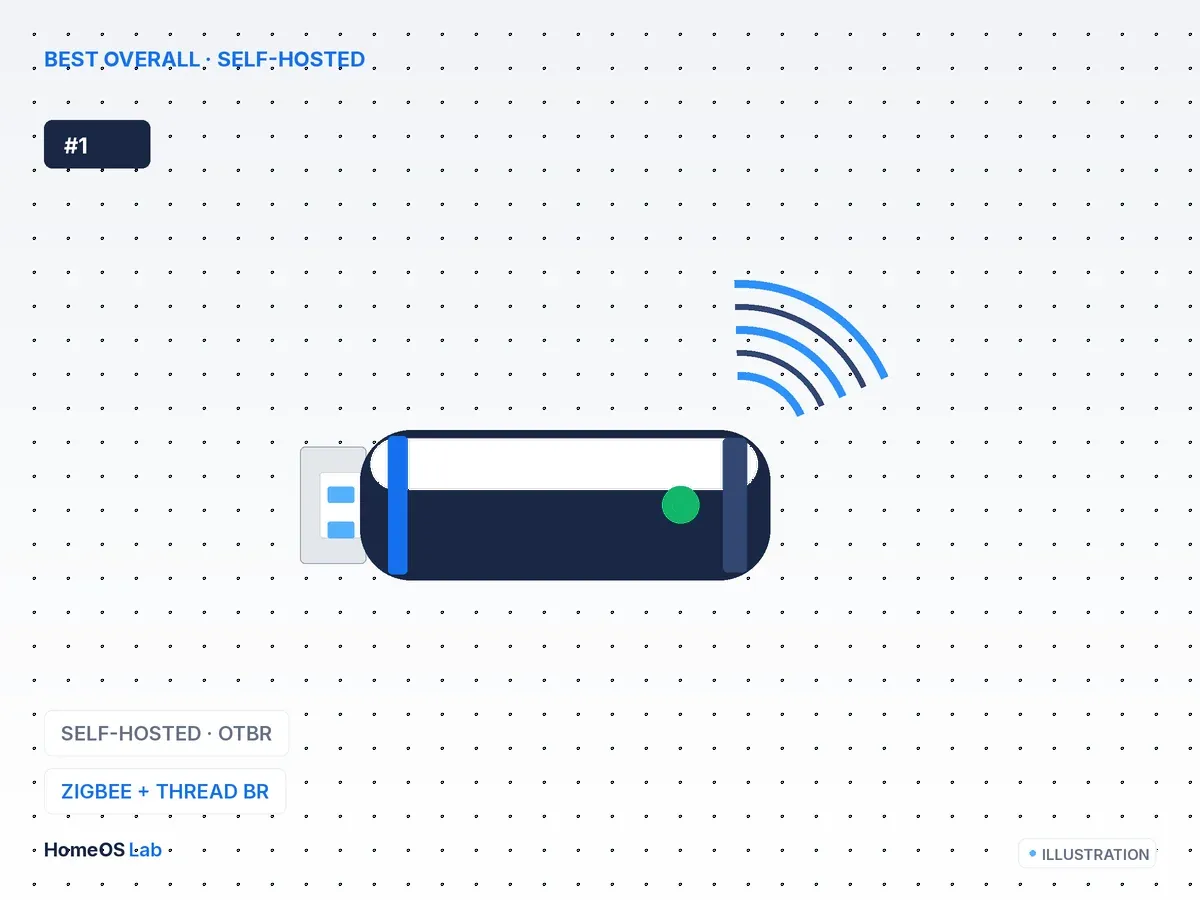
Home Assistant Connect ZBT-1
If you want a border router that Home Assistant owns and manages, with no dependence on Apple or Google hardware, the Connect ZBT-1 running the OpenThread Border Router add-on is the one to get.
- Runs on
- Home Assistant (OTBR add-on)
- Radios
- Thread + Zigbee
- Interface
- USB-C
- Managed by
- Home Assistant, natively
If you want a border router that Home Assistant owns and manages, with no dependence on Apple or Google hardware, the Connect ZBT-1 running the OpenThread Border Router add-on is the one to get. It is the same stick we recommend as a Zigbee coordinator, and with Thread firmware, or multiprotocol firmware, it becomes a first-class Thread border router that shows up under Settings → Devices & Services → Thread as your own network.
Two things put it at the top. It stays fully self-hosted and HA-managed, so nothing about your Thread mesh leaves your network. And it is the only option here that can carry Zigbee and Thread on hardware you might already own for Zigbee.
One catch: running Zigbee and Thread together on a single radio is powerful but still maturing, and plenty of users get steadier results with one ZBT-1 for Zigbee and a second for Thread. That is a cheap way to buy reliability. Placement matters too, so use the bundled USB extension cable to move the radio away from USB 3 ports, which Home Assistant's own ZHA guidance flags as a source of interference.
This is the pick I would argue for even inside an Apple or Google household, because owning the network end to end saves you from the credential-sharing dance every time you add a device. Not everyone will agree; if you already trust Apple's mesh, buying another stick can feel like extra work. I still think the local-first control is worth it.
If you already live in Apple Home: the Apple TV 4K on Ethernet
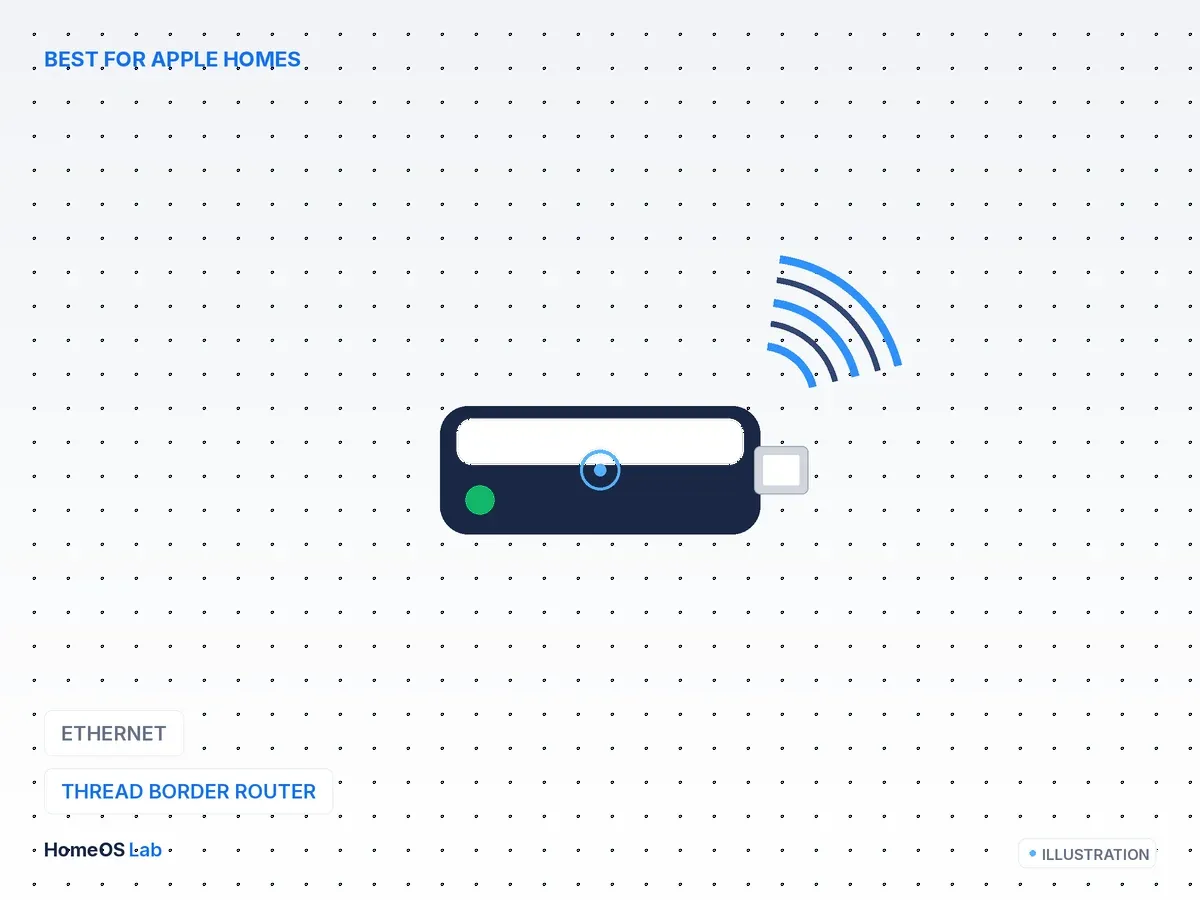
Apple TV 4K (Ethernet)
If you own an Apple TV 4K, the Ethernet model makes the steadier border router, because a wired backhaul keeps it anchored to the network.
- Runs on
- Apple Home
- Interface
- Ethernet + Wi-Fi
- Zigbee
- No
- HA
- Shares Thread network
If you own an Apple TV 4K, the Ethernet model makes the steadier border router, because a wired backhaul keeps it anchored to the network. A HomePod mini works too. Either way you have a capable Thread border router sitting in the living room, and Home Assistant can commission Thread devices onto a network that coexists with Apple's. Turn on credential sharing and HA and Apple Home can use the same Thread mesh.
The appeal is that it costs nothing extra once you are in Apple's camp, and Apple's border routers stay powered and reachable around the clock.
The limitation is who holds the keys. You do not manage this network from HA the way you do with OTBR, since Apple owns it. Getting HA and Apple to share one Thread network cleanly takes a little care, and this is exactly where mesh fragmentation bites if you are not deliberate about it. For an Apple household that wants Thread with no new hardware, that trade is usually the right one to make.
The Google pick: Nest Hub (2nd gen)
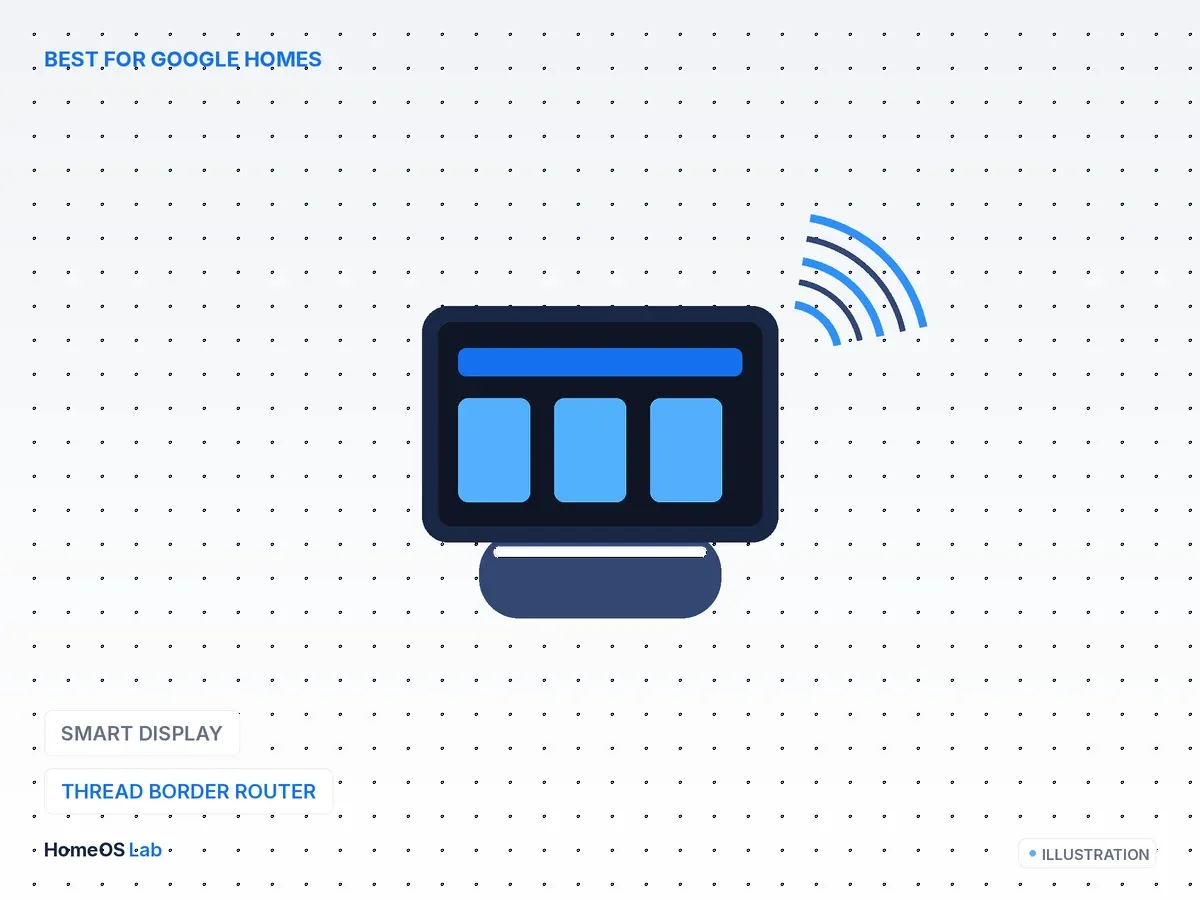
Google Nest Hub (2nd gen)
The Nest Hub (2nd gen) and the Nest Hub Max carry Thread radios and act as border routers for Google Home.
- Runs on
- Google Home
- Interface
- Wi-Fi
- Zigbee
- No
- HA
- Shares Thread network
The Nest Hub (2nd gen) and the Nest Hub Max carry Thread radios and act as border routers for Google Home. As with Apple, Home Assistant can work alongside a Google-provided Thread network, so an existing Nest display may mean you buy nothing at all.
Two points decide it:
- Cost: it adds border-router duty for free if a Nest display is already on your shelf.
- Backhaul: the Nest Hub is Wi-Fi only, with no Ethernet, and HA does not manage the network. That makes it a good fit when Google is your main voice and display platform and HA rides alongside.
Aqara Hub M3, the best multiprotocol bridge
Aqara Hub M3
The Aqara Hub M3 is the multi-tool of this list.
- Runs on
- Standalone
- Interface
- Ethernet + Wi-Fi
- Zigbee
- Yes, bridges to Matter
- HA
- Via Matter
The Aqara Hub M3 is the multi-tool of this list. It is a Thread border router, a Matter controller, and a bridge that exposes Aqara's large Zigbee catalogue to Matter, and from there to Home Assistant. If you own a pile of Aqara sensors and want them in HA over Matter without a separate Zigbee coordinator, the M3 folds all of that into one box.
What earns it a place is the consolidation: border-router duty plus a Matter bridge for an existing Aqara Zigbee fleet, in the same unit.
The caveat is bridge quality. Bridged devices are only as capable as Aqara's Matter mapping allows. Core functions expose cleanly, while a handful of advanced features may not carry across. As with the others here, prefer Ethernet over Wi-Fi to keep the border router steady.
Honourable mention: Eve and Nanoleaf as mesh extenders
Mains-powered Thread devices, which covers many Eve and Nanoleaf products, act as Thread routers and extend your mesh even though they are not border routers themselves. You do not buy them to be border routers. But if your Thread mesh is thin, adding a couple of always-on Thread router devices is the cheapest way to firm up range and reliability.
How to choose in one line
- For a self-hosted, HA-managed border router that also handles Zigbee: the Connect ZBT-1 with OTBR.
- If you already own an Apple TV or HomePod, use it; the Apple TV 4K on Ethernet is the sturdiest.
- For a Google Home household: the Nest Hub (2nd gen).
- For a lot of Aqara Zigbee gear you want in HA over Matter: the Aqara Hub M3.
- If your Thread mesh feels thin, add mains-powered Thread router devices.
Related reading (the HomeOS Lab triangle)
- Set up Thread devices: Getting started with Matter in Home Assistant. The border router is step 2.
- The stick that does Zigbee and Thread: Best Zigbee coordinators for Home Assistant (2026). The Connect ZBT-1 sits on both lists for a reason.
- Choosing a protocol at all: Zigbee vs Z-Wave vs Thread vs Wi-Fi for Home Assistant
- The big picture: HomeKit vs Matter vs Thread, the 2026 standards landscape
FAQ
Do I need a Thread border router for Home Assistant?
Only for Thread Matter devices. Wi-Fi and Ethernet Matter devices join your network directly and need no border router. Check whether your device says Thread on the box.
Can I use my Apple TV or Nest Hub as the border router and still run Home Assistant?
Yes. HA can use a Thread network that another platform provides, and with credential sharing they can share one mesh. If you would rather HA own the network end to end, run the OpenThread Border Router add-on on a Connect ZBT-1.
Is more than one border router a problem?
No. Several border routers on the same Thread network add resilience. The thing to avoid is separate Thread networks that do not share credentials, which fragments the mesh.
Does a Thread border router replace my Zigbee coordinator?
No. Thread and Zigbee are different meshes. The Connect ZBT-1 is unusual in that it can do both with multiprotocol firmware, but most people run a coordinator for Zigbee and a border router for Thread.