
Home Assistant Connect ZBT-1 review: the safe coordinator to start with
An independent buyer's overview of the Home Assistant Connect ZBT-1 Zigbee + Thread coordinator: specs, setup, real-world pros and cons, and who it's for.
By HomeOS Lab · Buyer's overview · Last updated 3 September 2026
Some links on this page may be affiliate links. If you buy through them we may earn a small commission at no extra cost to you, and it never changes which products we recommend. See our affiliate disclosure.
Verdict: for most people setting up Zigbee on Home Assistant, the Connect ZBT-1 is the coordinator to reach for first. It is official Nabu Casa hardware built on Silicon Labs EFR32MG21 silicon, and it is one of the few mainstream USB sticks that runs Zigbee today and can be reflashed as a Thread border router later. Its internal antenna and its still-maturing multiprotocol firmware are the two reasons it is not the automatic choice for every house.
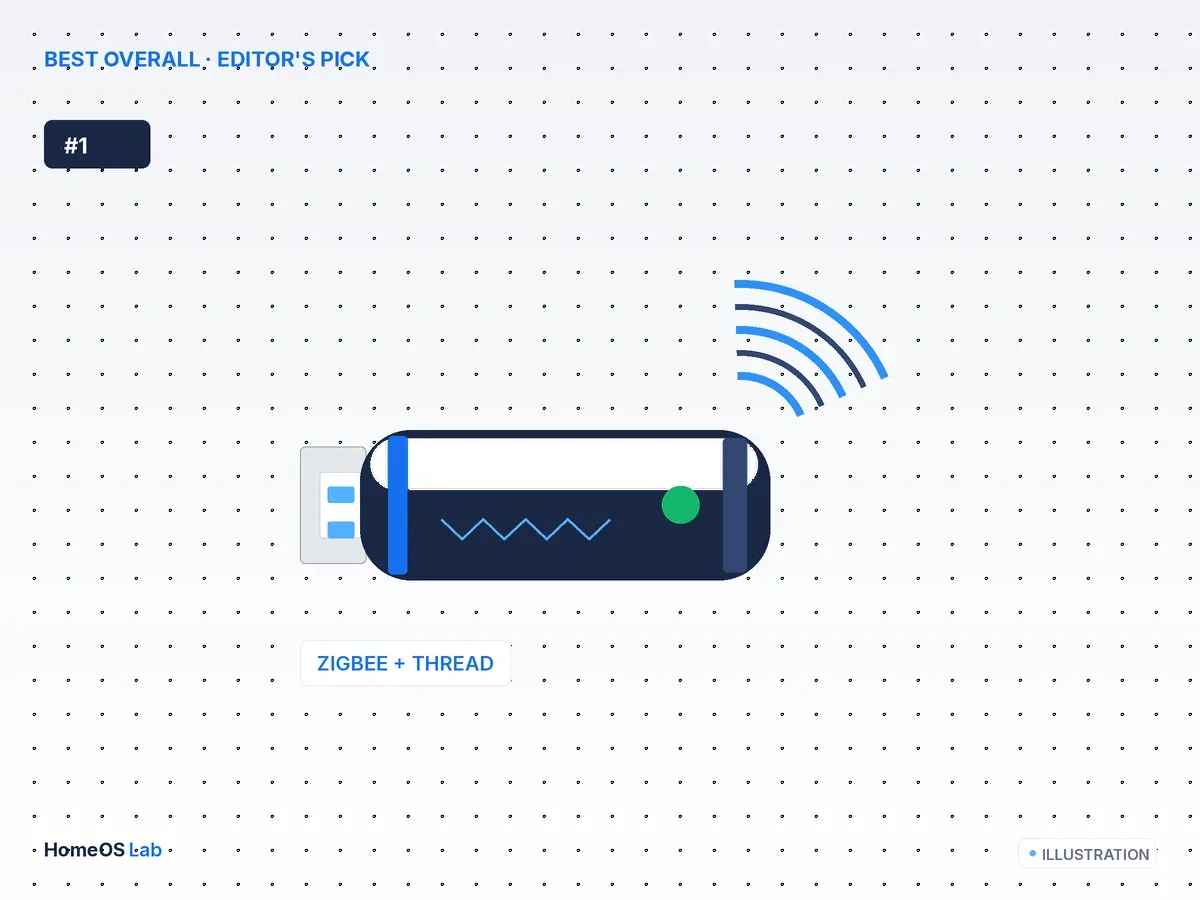
Home Assistant Connect ZBT-1
For most people setting up Zigbee on Home Assistant, the Connect ZBT-1 is the coordinator to reach for first.
- Chipset
- Silicon Labs EFR32MG21
- Radios
- Zigbee 3.0 + Thread
- Interface
- USB-C
- Antenna
- Internal (PCB)
What it is
The Home Assistant Connect ZBT-1 is Nabu Casa's official Zigbee and Thread coordinator, and it is the direct successor to the SkyConnect: the same hardware under a new name. It is a small USB-C stick built on the Silicon Labs EFR32MG21, the Series 2 radio that Home Assistant leans on for its first-party Zigbee and Thread work. Plug it into the machine running Home Assistant and it forms and manages your Zigbee mesh through either ZHA, which ships inside Home Assistant, or Zigbee2MQTT.
What sets it apart is the radio. The MG21 is multiprotocol-capable, so the same stick that runs your Zigbee network now can be reflashed to act as a Thread border router for Matter-over-Thread devices later. No other mainstream USB coordinator states that path as plainly, and for a lot of buyers that single fact is the reason to choose it.
Specs at a glance
| Chipset | Silicon Labs EFR32MG21 (Series 2) |
| Radios | Zigbee 3.0 · Thread (802.15.4), multiprotocol-capable |
| Interface | USB-C (USB extension cable included) |
| Antenna | Internal PCB antenna |
| Home Assistant stacks | ZHA (native) and Zigbee2MQTT |
| Firmware | Nabu Casa / Silicon Labs; updatable in HA |
| Made for | Home Assistant (official Nabu Casa product) |
Setting it up in Home Assistant
Onboarding is where being the reference coordinator pays off, because Home Assistant is built around this radio. A couple of things matter more than the rest.
Start with the included USB extension cable rather than plugging the stick straight into the server. USB 3.0 ports and hubs radiate 2.4 GHz noise that interferes with Zigbee, and Home Assistant's own ZHA documentation recommends an extension cable to move the coordinator well clear of the host and any USB 3.0 sockets. That one step heads off a large share of "my Zigbee mesh keeps dropping" complaints.
For software, the ZHA route is the quickest. Open Settings, then Devices and Services, add the ZHA integration, and Home Assistant detects the ZBT-1, checks or flashes the coordinator firmware, and forms the network for you.
Zigbee2MQTT is the other supported path. Install the add-on, point it at the stick's serial port, and set the adapter to the ember (EZSP) driver the EFR32 uses. It asks for a little more setup in exchange for deeper tooling and quicker support for unusual devices.
Thread is optional. To use the ZBT-1 as a Thread border router instead of, or alongside, Zigbee, you flash the multiprotocol or OpenThread Border Router firmware through the matching add-on. Plenty of people leave Zigbee running here and add a separate border router, for reasons covered below.
Running Zigbee and Thread on one radio
This is the part worth thinking through before you buy, because it is both the ZBT-1's biggest draw and its most common source of frustration.
On paper the MG21 can carry Zigbee and Thread at once through Silicon Labs Multiprotocol firmware. In practice, community consensus is that a single radio splitting its time across two 802.15.4 networks is still maturing, and shared-radio setups have historically been harder to keep stable than dedicated ones. The pattern many Home Assistant users settle on is to keep the ZBT-1 as a Zigbee-only coordinator and run Thread on separate hardware, whether that is a second stick or a Matter hub that already includes a border router.
My own take: treat the Thread capability as insurance, not as something you switch on during first-day setup. It is useful to know the door is open, but I would not buy this stick expecting flawless simultaneous Zigbee and Thread out of the box. Some readers will happily disagree and run multiprotocol from the start, and the firmware does keep improving, so this is a judgement call rather than a hard rule.
What the platform side tells us
We have not bench-tested this unit, so the honest signal comes from how the wider platform treats the radio. The EFR32MG21 has first-class support in both ZHA and Zigbee2MQTT, its firmware is maintained by Nabu Casa and Silicon Labs, and because it is the reference design, new Home Assistant Zigbee and Thread features tend to reach it before they reach third-party sticks. For a coordinator you expect to run untouched for years, that maintenance track record carries weight.
Where it falls short
The internal PCB antenna is the clearest limitation. It is fine for an average home, especially once mains-powered Zigbee devices such as plugs and bulbs start acting as routers and extend the mesh. In a large house, or an RF-noisy one, a stick with an external antenna will reach further, and the ZBT-1 gives you no antenna upgrade path at all.
There is no high-power Zigbee variant either. The Texas Instruments "-P" sticks pair a CC2652P with a power amplifier for extra range; the ZBT-1's MG21 has no equivalent, so if raw Zigbee coverage is your top priority, this is not the radio that delivers it.
And, as covered above, the multiprotocol firmware is promising rather than finished. If you want one box handling Zigbee and Thread reliably today, dedicated hardware for each will likely leave you happier.
Who it's for
The ZBT-1 makes the most sense for someone starting a fresh Home Assistant Zigbee network who wants the officially supported, lowest-drama option and values that over squeezing out maximum range. It is also a smart pick if you want to keep the Matter-over-Thread door open without committing to another vendor's hub.
It is a weaker fit for two groups: people wiring up a large or RF-hostile home who need every metre of Zigbee range, and tinkerers who want an external-antenna or high-power radio to push the network hard. Both are better served by the alternatives below.
Alternatives worth comparing
- SONOFF ZBDongle-E review: the same MG21 family with an external antenna, usually at a lower price. The value counterpart to the ZBT-1.
- SONOFF ZBDongle-P review: a Texas Instruments CC2652P with a power amp for bigger or more demanding networks. Zigbee only, no Thread.
- Best Zigbee coordinators for Home Assistant (2026): the full roundup with every pick set side by side.
- Zigbee vs Z-Wave vs Thread vs Wi-Fi for Home Assistant: start here if you have not settled on a protocol yet.
FAQ
Is the Connect ZBT-1 the same as the SkyConnect?
Yes. It is the rebadged successor to Nabu Casa's SkyConnect, with the same EFR32MG21 hardware under current branding.
Can it run Zigbee and Thread at the same time?
It is multiprotocol-capable, but running both on a single radio is still maturing. Most people get steadier results keeping Zigbee on the ZBT-1 and adding a separate Thread border router.
ZHA or Zigbee2MQTT for the ZBT-1?
Both are fully supported. ZHA is the simpler start and is built into Home Assistant; Zigbee2MQTT adds tooling and faster support for obscure devices. On Zigbee2MQTT the MG21 uses the ember (EZSP) driver.
Will its internal antenna cover my house?
For most homes, yes, particularly once mains-powered Zigbee routers such as plugs and bulbs join the mesh and you use the USB extension cable. For a large or noisy home, an external-antenna stick like the ZBDongle-E or ZBDongle-P, or a networked coordinator placed centrally, is the safer bet.