
SONOFF ZBDongle-E review: the value Zigbee coordinator for Home Assistant
An independent buyer's overview of the SONOFF ZBDongle-E EFR32 Zigbee coordinator for Home Assistant: specs, setup, pros and cons, and who it's for.
By HomeOS Lab · Buyer's overview · Last updated 3 September 2026
Some links on this page may be affiliate links. If you buy through them we may earn a small commission at no extra cost to you, and it never changes which products we recommend. See our affiliate disclosure.
Verdict: this is the coordinator we point most Home Assistant users toward when the budget is tight. It runs the same Silicon Labs EFR32MG21 radio family as Home Assistant's own Connect ZBT-1, adds an external antenna, and usually sells for less than the official stick. ZHA and Zigbee2MQTT both support it well today. If you want modern silicon and useful range for the least money, the ZBDongle-E is the one to beat.
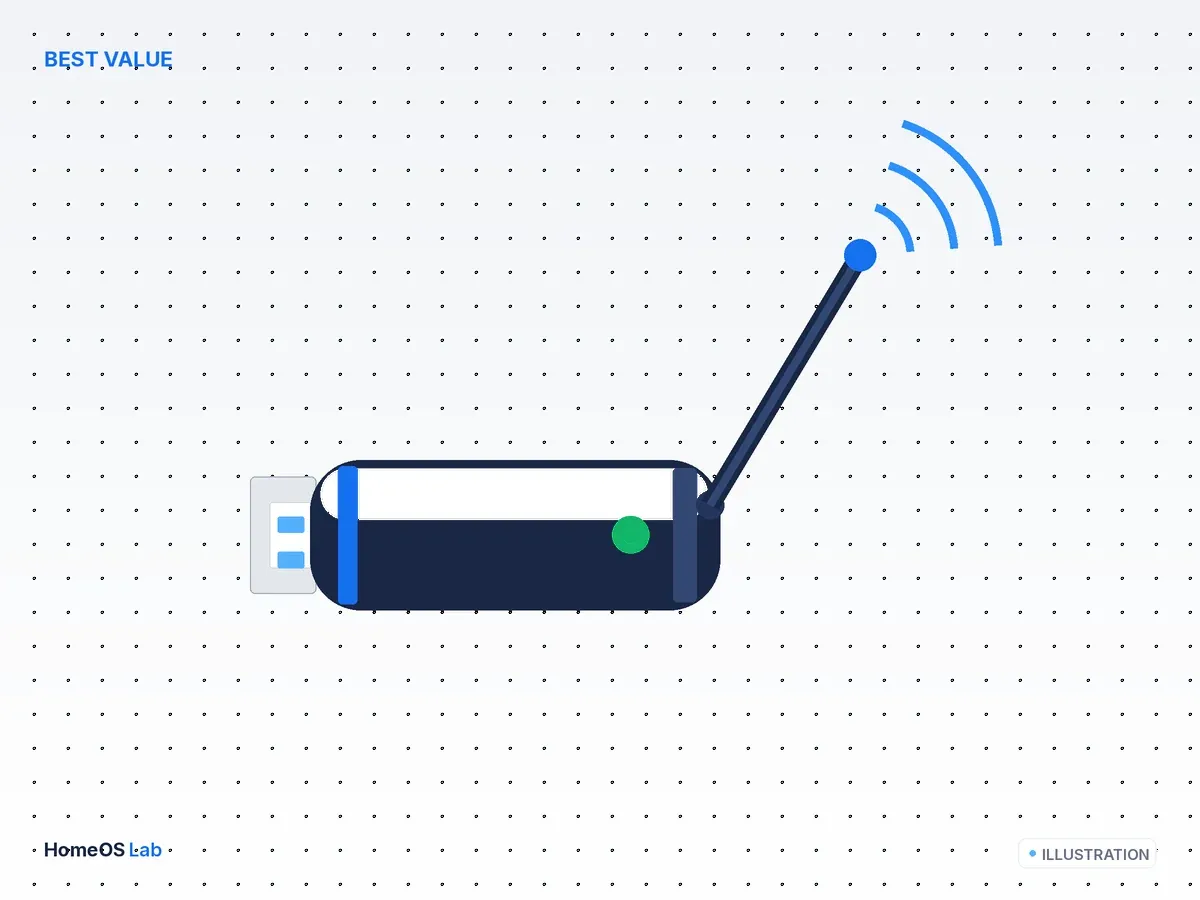
SONOFF ZBDongle-E
This is the coordinator we point most Home Assistant users toward when the budget is tight.
- Chipset
- Silicon Labs EFR32MG21
- Radios
- Zigbee 3.0
- Interface
- USB-A
- Antenna
- External
What it is
The SONOFF Zigbee 3.0 USB Dongle Plus-E, or "ZBDongle-E" for short, is a USB-A Zigbee coordinator built on the Silicon Labs EFR32MG21, the same radio family Nabu Casa uses in Home Assistant's official Connect ZBT-1. Two things separate it from that official stick in daily use: the -E carries an external antenna where the ZBT-1 uses an internal one, and it usually costs less. That is the whole case for it as a value pick.
Watch the letter. SONOFF sells a -E and a -P, and they are not the same product with a different label. The -E is the Silicon Labs EFR32 part covered here. The -P is a Texas Instruments CC2652P with an onboard power amplifier, which is a different chip with a different reason to exist. The two are compared below and in the ZBDongle-P review.
Specs at a glance
| Chipset | Silicon Labs EFR32MG21 |
| Radios | Zigbee 3.0 (silicon is Thread-capable; firmware is Zigbee-focused) |
| Interface | USB-A (extension cable recommended) |
| Antenna | External |
| Home Assistant stacks | ZHA (native) and Zigbee2MQTT (ember/EZSP driver) |
| Firmware | SONOFF / Silicon Labs; updatable |
The chipset, and why it matters
The EFR32MG21 is an ARM Cortex-M33 wireless part from Silicon Labs designed for 2.4 GHz mesh networking. Silicon Labs markets it as multiprotocol silicon, meaning the radio can speak Zigbee or Thread depending on the firmware it carries. On the ZBDongle-E that silicon ships loaded with Zigbee coordinator firmware, so what you get out of the box is a Zigbee 3.0 coordinator, not a Thread border router.
That distinction trips people up, because the same chip family sits inside the Connect ZBT-1, which Nabu Casa does position as a Zigbee and Thread device. The hardware potential overlaps. The shipping role does not.
For a Zigbee network the practical upshot is good. The EFR32MG21 is current-generation coordinator silicon rather than a warmed-over older design, and it is a first-class citizen in the two stacks Home Assistant people care about. If you are building a network today and have no specific reason to chase the Texas Instruments route, this chip is a sound default.
Home Assistant support: ZHA and Zigbee2MQTT
ZHA, the Zigbee integration built into Home Assistant, supports EFR32 coordinators natively. You add the integration, point it at the dongle's serial port, and Home Assistant forms the network, with no separate add-on or broker to run.
Zigbee2MQTT reaches the same hardware through its ember adapter driver, the EZSP-based driver Silicon Labs coordinators use. The Zigbee2MQTT project moved EFR32 support onto ember to replace an older EZSP driver, and that transition is the source of most of the dated "the -E is flaky on Z2M" advice still floating around forums. On current Zigbee2MQTT with the ember driver and current coordinator firmware, the -E is a supported adapter rather than a problem child.
Which stack you choose is a bigger decision than which dongle you buy. ZHA is the lower-friction path and lives inside Home Assistant. Zigbee2MQTT gives you an independent broker, a wider device-support list maintained by its community, and portability if you ever move off Home Assistant. The ZBDongle-E runs on either, so it does not force the choice.
Firmware and flashing
The coordinator firmware on the EFR32 is updatable, and keeping it current is the single most useful maintenance step for this stick. SONOFF publishes firmware images, and the Home Assistant community maintains tooling such as the universal-silabs-flasher used by the SkyConnect and Connect ZBT-1 updater to write EmberZNet builds onto EFR32 hardware. In plain terms: if your -E predates the ember transition or behaves oddly on Zigbee2MQTT, updating the coordinator firmware is usually where the fix lives, not swapping hardware.
Flashing is optional for most people. Buy the stick, put it on ZHA, and if it works you can leave the firmware alone until a specific reason to update appears.
Setting it up in Home Assistant
- Put the dongle on a USB extension cable and keep it away from the server chassis and any USB 3.0 port. Home Assistant's own ZHA documentation calls out USB 3.0 as a source of 2.4 GHz interference and recommends an extension lead to move the radio clear of it. This one step resolves a large share of the "bad range" complaints people blame on the hardware.
- For the ZHA path, go to Settings, then Devices & Services, then Add Integration, and pick ZHA. Select the ZBDongle-E's serial port and let Home Assistant form the network.
- For the Zigbee2MQTT path, set the adapter to the
ember(EZSP) driver for the EFR32 and confirm you are on current coordinator firmware before you start pairing devices.
What to expect in a running network
We have not bench-tested this dongle, so what follows is drawn from manufacturer specs and settled community consensus rather than our own measurements.
The external antenna is the reason to reach for the -E over the internal-antenna ZBT-1, and it is the claim most owners echo: an antenna you can position and orient tends to place cleaner near the coordinator than a sealed internal one, especially inside a metal server case. Beyond that, Zigbee is a mesh, so the coordinator's raw range matters less than how well your mains-powered devices repeat the signal. A well-built mesh with a modest coordinator beats a strong coordinator with no routers.
The honest short version: for a typical home network the -E has enough radio, and the mesh does the rest. The people who benefit from a stronger coordinator are running large device counts or awkward layouts, and that is the conversation the -P is built for.
Pros and cons
On the plus side, you get near-flagship EFR32MG21 silicon at a budget price, an external antenna that outranges the ZBT-1's internal one, and full support in both ZHA and Zigbee2MQTT. It is also one of the most widely stocked and best-documented coordinators in the Home Assistant community, which matters when you hit a snag and need an answer.
Against it: the firmware is Zigbee-focused, so this is not the stick to buy if you specifically want a Thread or Matter border-router path, which is the Connect ZBT-1's job. For very large Zigbee2MQTT meshes, many long-time Z2M users still prefer the Texas Instruments -P. And on Zigbee2MQTT you do need to confirm current coordinator firmware to get the best behaviour, though that is a five-minute check rather than an obstacle.
Who should buy it
Most people building a Zigbee network on Home Assistant are the target here: it is a modern coordinator for the least money. It also suits anyone who wants more range than the internal-antenna ZBT-1 without paying more, and anyone happy on either ZHA or Zigbee2MQTT who does not need a dedicated Thread path today.
Skip it if a Thread or Matter border router is on your shopping list, or if you already know you are building an unusually large Zigbee2MQTT mesh and want the -P's headroom.
Alternatives (the HomeOS Lab triangle)
- The official, Thread-ready pick: Home Assistant Connect ZBT-1 review, same MG21 family with a supported Thread and Matter path.
- For range and big networks: SONOFF ZBDongle-P review, the TI CC2652P with a power amp, Zigbee only.
- The full roundup: Best Zigbee coordinators for Home Assistant (2026).
- Choosing a protocol first: Zigbee vs Z-Wave vs Thread vs Wi-Fi for Home Assistant.
FAQ
ZBDongle-E or ZBDongle-P, which should I get?
The -E, on Silicon Labs EFR32, is the modern all-rounder and our value pick. The -P, on the TI CC2652P with a power amp, is the range and large-network specialist and a long-standing Zigbee2MQTT favourite. Pick the -E for value and ZHA-friendliness. Pick the -P for maximum range and big Z2M meshes.
Does the ZBDongle-E do Thread or Matter?
Its silicon is Thread-capable, but it ships and is used as a Zigbee coordinator. If you want a Thread border-router path, choose the Connect ZBT-1.
Does it work with ZHA and Zigbee2MQTT?
Yes, both. On Zigbee2MQTT use the ember/EZSP adapter driver and keep coordinator firmware current.